MusicBeginner · About 30 minutes
Cover art that survives a 64-pixel thumbnail
Develop a visual direction, generate square variations, set the type yourself and test legibility at the sizes listeners actually see.

Digital productsBeginnerAbout 40 minutes
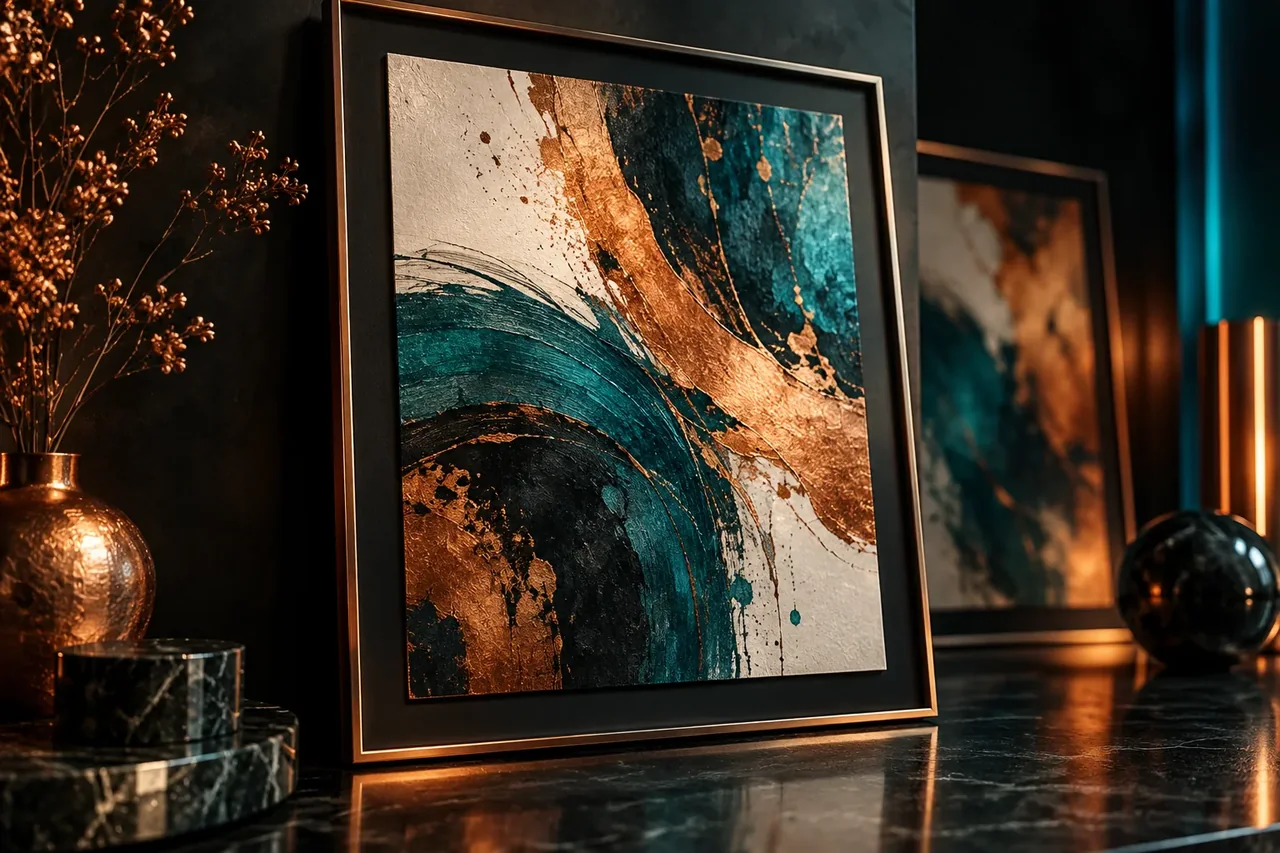
Plan a small collection, generate original artwork, set up the right pixel sizes and prepare files customers can print.
A small collection of original printable designs, each exported at several standard print sizes, with a truthful preview image.
Best for: Anyone starting a digital-download shop who wants a repeatable way to make a consistent set of designs.
A set sells better than a single image because buyers can decorate a whole wall. Pick one subject, one colour palette and one style, then list the 6 to 10 pieces in the set before you open an image tool.
Fix the palette (3 to 5 colours), the line weight or texture, the composition (centered, off-center, framed) and the typeface for any text. Put this in a note you paste at the start of every prompt. This is what makes a collection look like a collection.
Do not prompt with living artists’ names or brand characters. Describe style by qualities (“soft gouache texture, muted terracotta and sage, generous white space”). Generate many, keep the best 20%, and discard anything with warped hands, broken text or odd symmetry.
Tip. Generate at the highest resolution your tool allows, then upscale. Dense detail survives upscaling better than flat gradients.
Models misspell words and distort lettering. Remove any generated text and set your own typography in an editor. Keep a safe margin of at least 5% on every side so nothing is clipped by a frame or printer.
Print quality depends on pixels per inch. At 300 pixels per inch an 8 × 10 inch print needs 2400 × 3000 pixels. Use the calculator in this guide to get the size for each ratio you will offer, and export each ratio at its own size rather than stretching one file.
Order or make one print of your best design. Check colours (screens are brighter than paper), edge detail and whether text is readable at arm’s length. Adjust the file before you build the rest of the set.
Show a mockup that is clearly a mockup, state exactly which sizes and file formats the buyer receives, and describe how the artwork was made in line with the marketplace’s current creative and AI policies. Check the file-count and file-size limits for digital downloads before you upload.
Pixels needed = inches × pixels per inch. Export every ratio at its own size.
2,400 × 3,000 px
Replace anything in [square brackets]. Prompts are starting points: results vary between tools and versions, so review every output.
Prompts are written in English because image, video and most text models follow English instructions best. To get answers in your language, add “Reply in English.” to a prompt for a text assistant.
Use this with a text model to define the set before generating.
I am making a printable wall art collection of [number] pieces about [subject] for [audience]. Write a one-paragraph style sheet: a palette of 4 colours with hex codes, the line or texture style, the composition rule, and a list of [number] piece titles. Keep it original and do not reference any living artist or brand.Use this for each piece. Replace the bracketed parts.
[Paste the style sheet]. Subject: [piece title]. Portrait orientation, 4:5 ratio, subject centered with generous empty space around it, flat lighting, print-ready illustration, no text, no watermark, no signature, no frame.Use this after the files are ready.
Write a plain, factual product description for a downloadable printable art set. Include: what is in the download, the exact sizes and file types: [list], that the buyer prints it themselves, and that colours can vary by printer and screen. Do not claim framing, shipping, or results that are not included.Tick items as you go. Nothing is saved or sent.
0 of 6 checked
MusicBeginner · About 30 minutes
Develop a visual direction, generate square variations, set the type yourself and test legibility at the sizes listeners actually see.
PlanningBeginner · About 45 minutes
Define a few content pillars, have a text model draft a calendar, and review it into a plan you can batch and track.